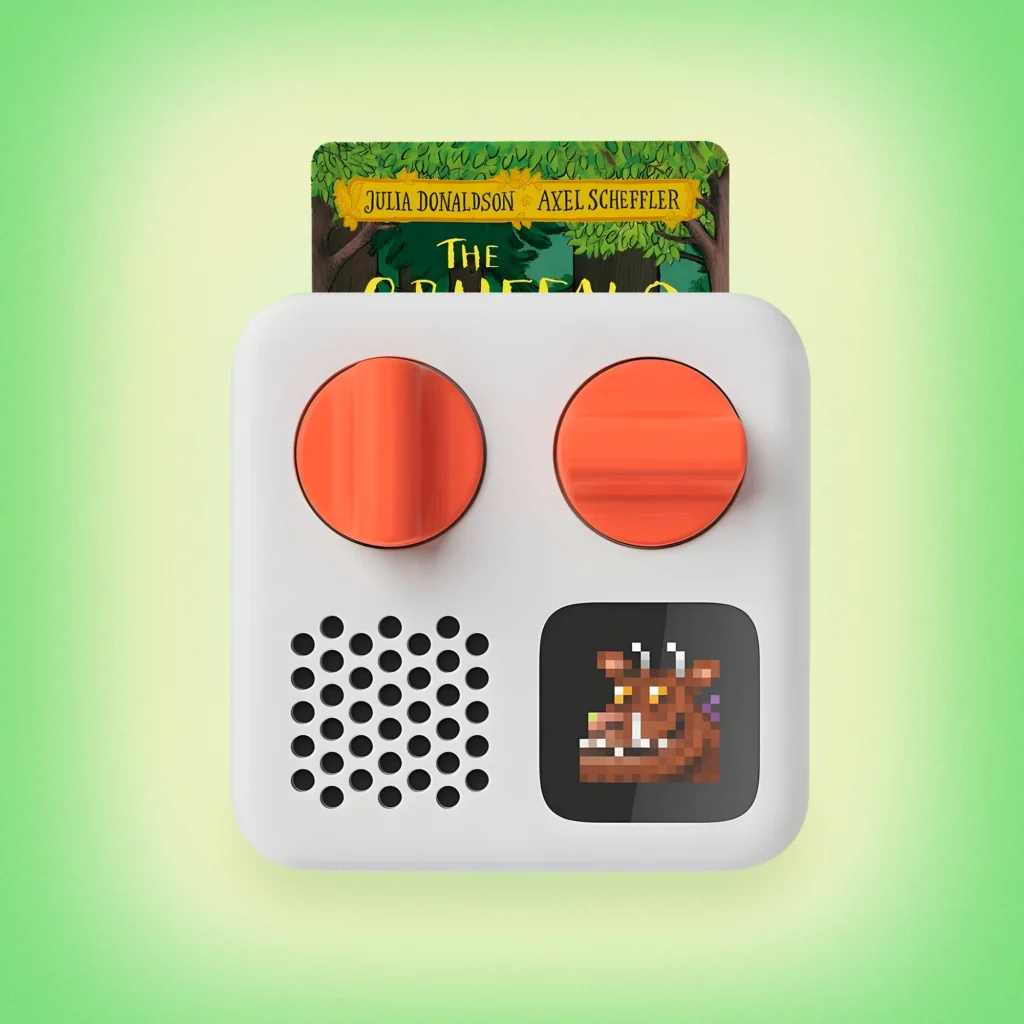
Two years after introducing our kids to their first Yoto Mini, we’re back to take a closer look at Yoto’s latest player. When we first reviewed the Yoto Mini 2024 Edition, we never expected it to become such an everyday part of their lives. With a few years of use, the players are still going strong: from Yoto Daily every morning to audiobooks on car journeys and winding down before sleep. As Yoto users, this review comes from someone already familiar with the product and focuses on the upgrades in the latest model. We’ve been excited to review this one, but felt it fair to sit with them first, so we gave our kids a full 14 days of testing before this write-up.
For anyone who needs a quick recap, Yoto is a portable audio player with thousands of audiobook titles available, plus the ability to play podcasts, music, radio, and a range of other fun features which makes it a truly versatile player.
A familiar format, with a few new upgrades
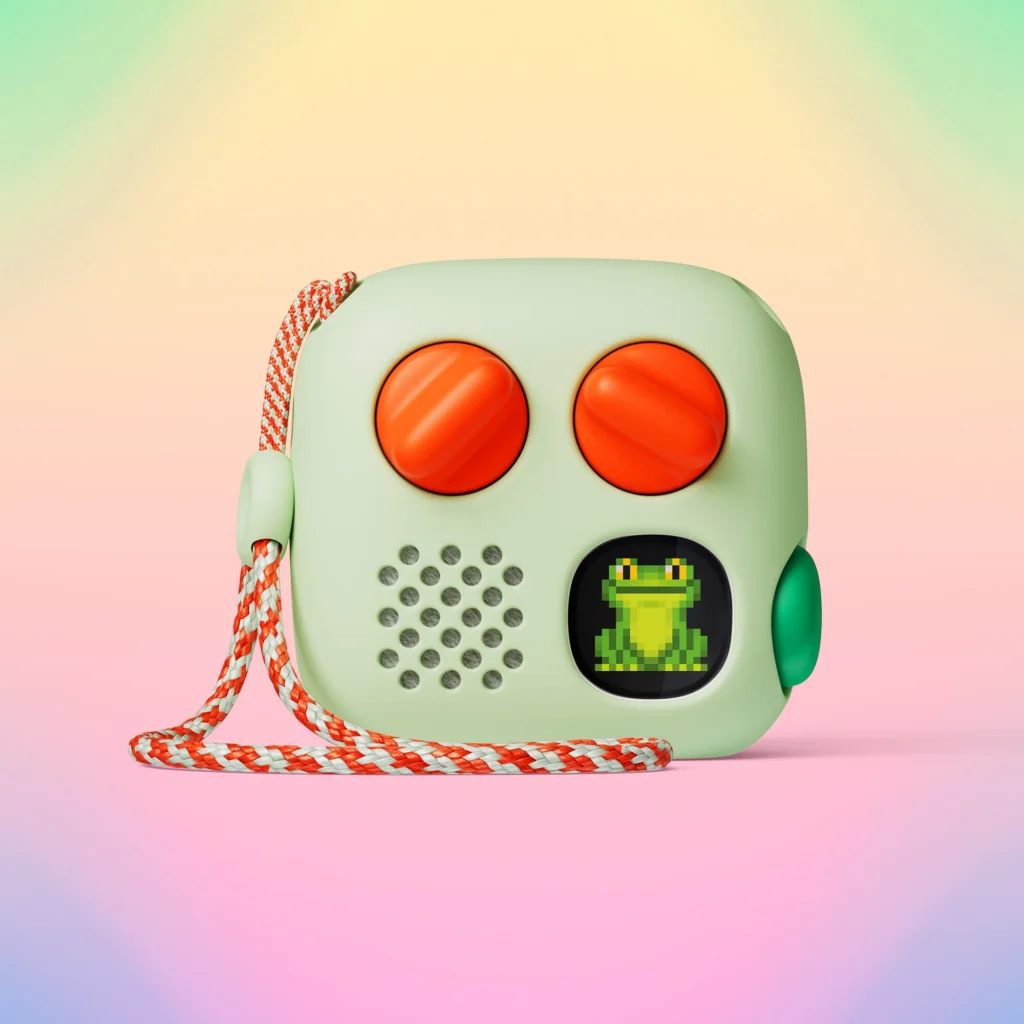
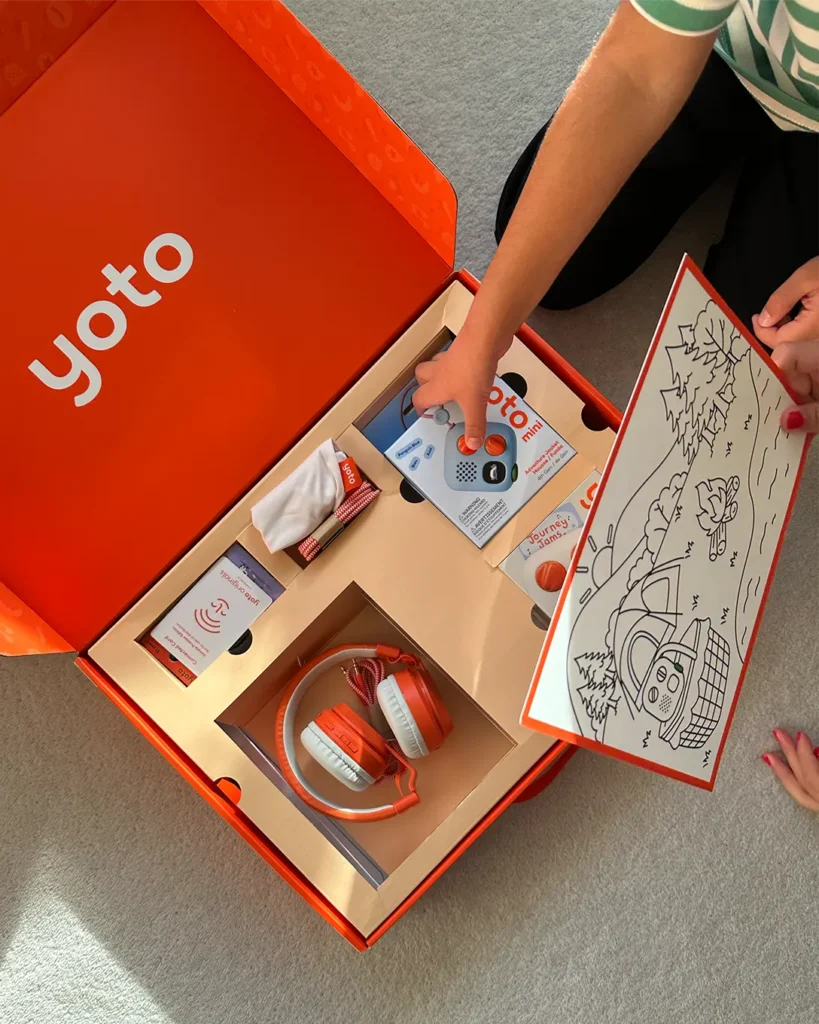
The first thing we noticed was the weight. It’s heavier than our old players and feels like a better-made product. The corners have been rounded further, which suits smaller hands, while the finish keeps that classic Yoto appeal. As both parents and designers, we like that they’ve refined the shape without losing the playful, slightly retro character. It feels built to last, and with the addition of the rubber casing (sold separately), it’s more robust overall than the previous version.
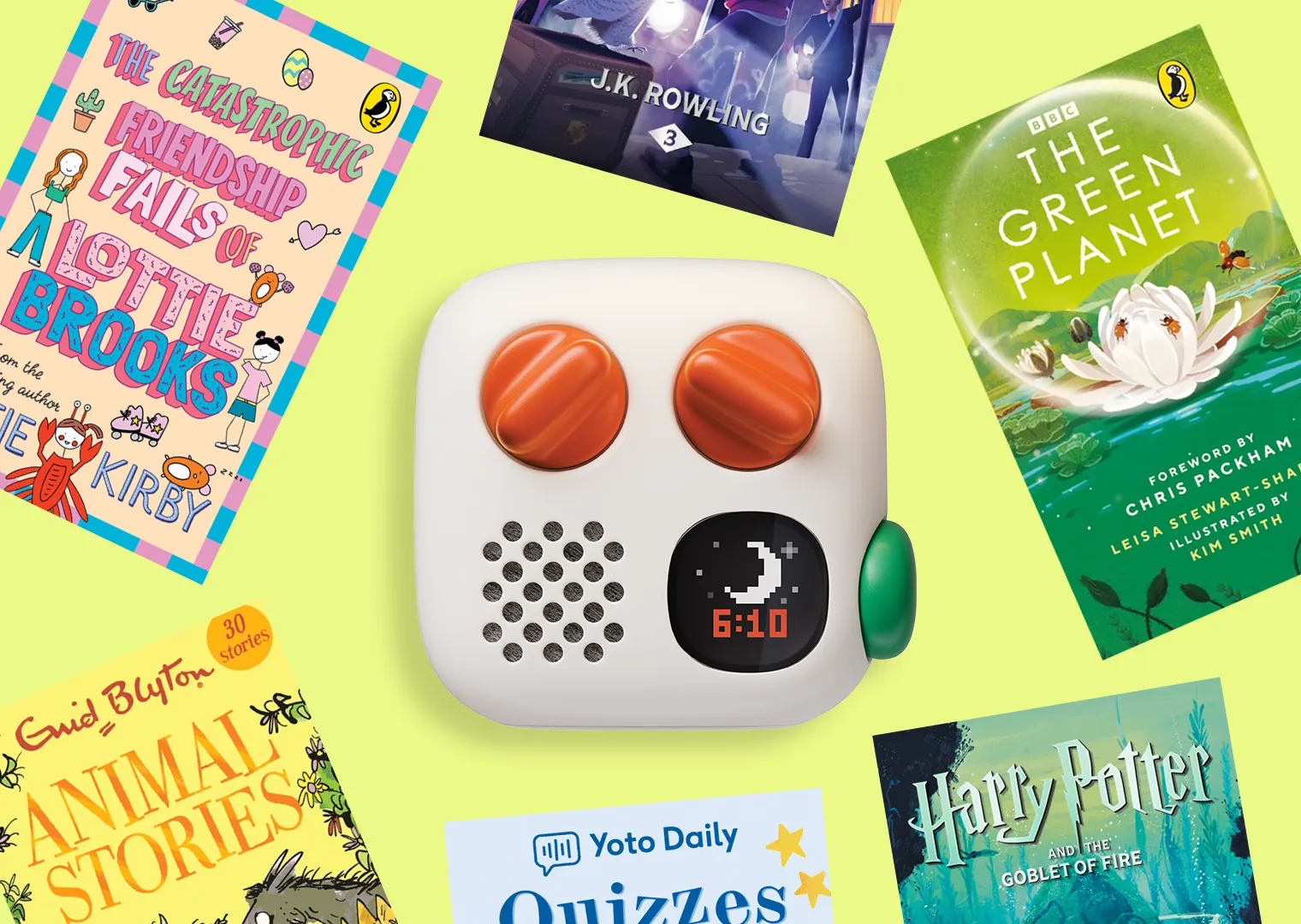
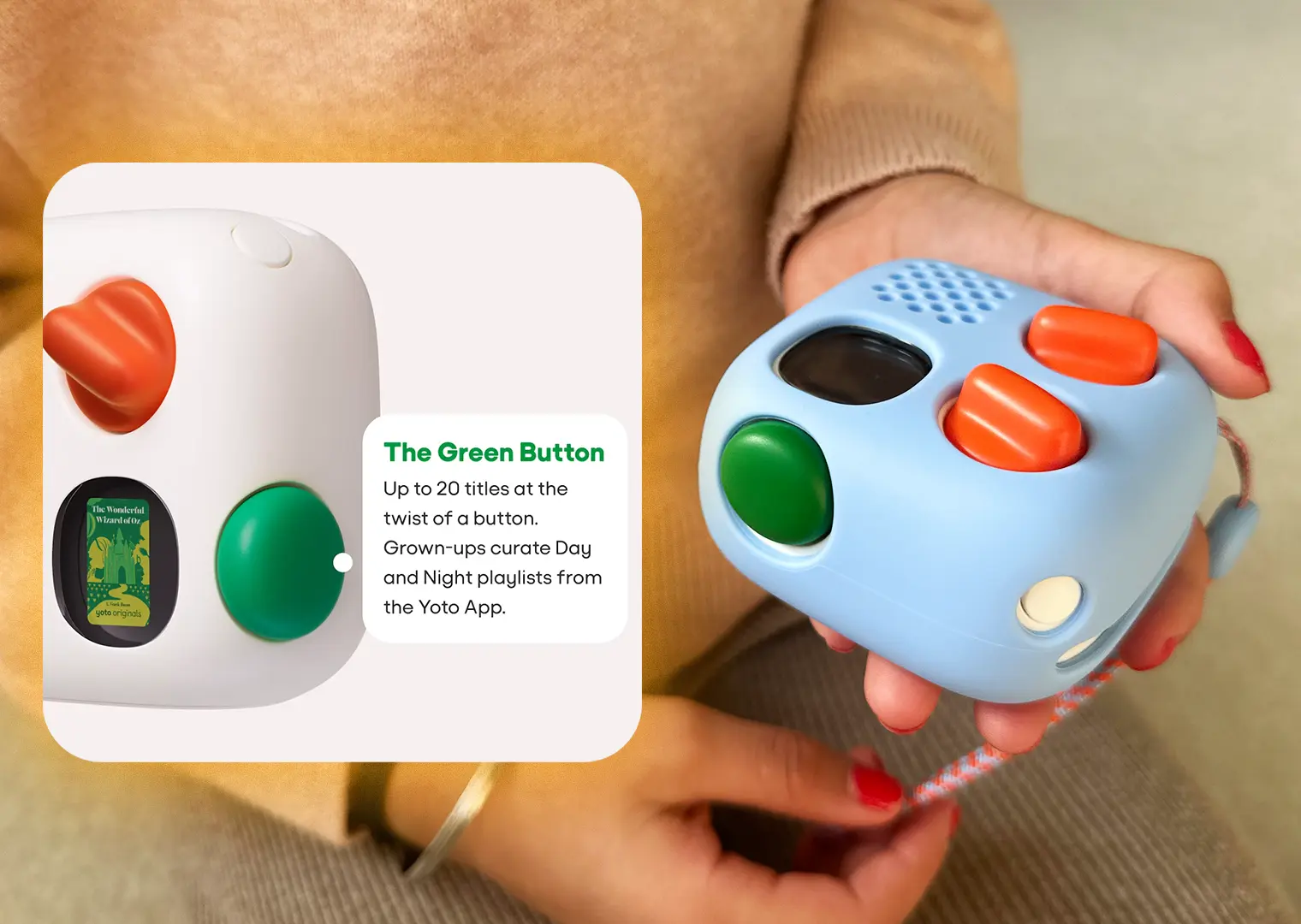
The two red controls are still there, so anyone upgrading will know exactly what to do (volume and controls), but the green button opens up a whole new world. At first glance, we weren’t sure what to make of this, but it catches on quickly, and both the turning and pressing actions feel nicely engineered.
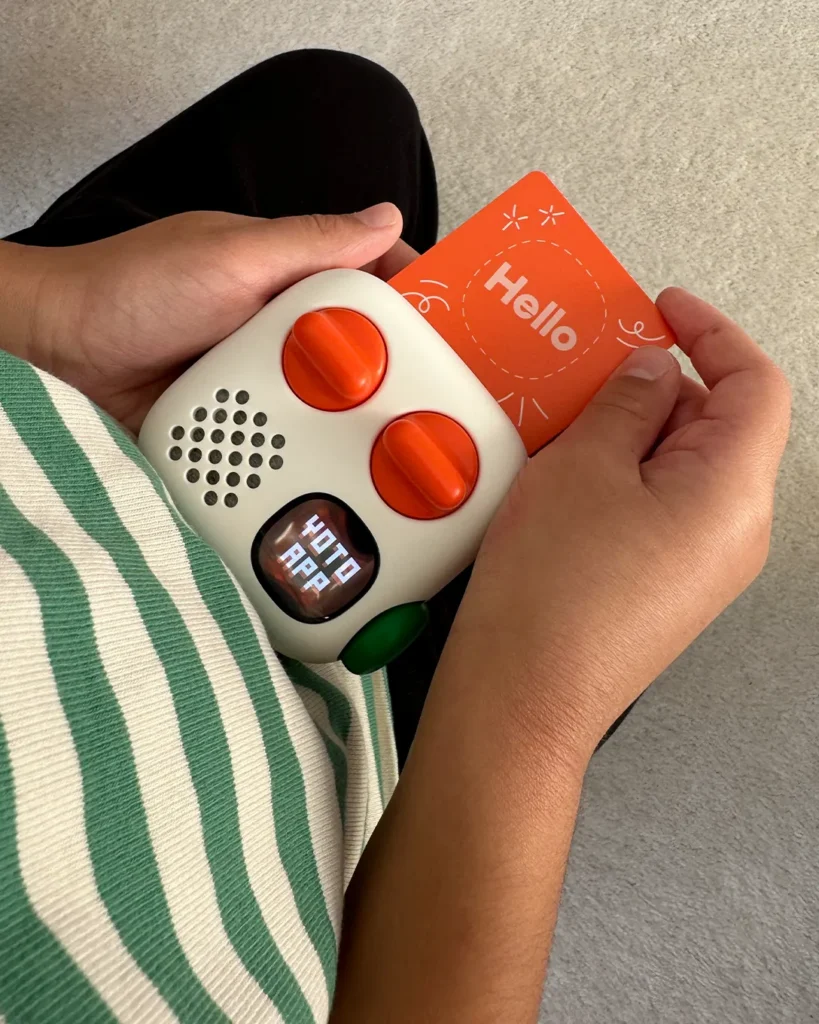
A closer look at the green button
This button and its functions are reason enough to upgrade. Before, if the kids wanted something, we’d either need the physical card, or they’d ask us to find the audio through the app on our phones. That defeats the point of a screen-free player. Now you choose their favourites in the app, where you’ll find two settings: one for day and one for bedtime, each holding up to 20 titles. Once the audio has downloaded, you can turn the button to browse and press to play, no cards and no parent’s phone needed. Our kids grasped this in an instant, and they’ve been switching between stories, podcasts and music without asking us for anything.
We set the daytime to Yoto Daily, podcasts, audiobooks and music, while the evening playlist is reserved for books, toothbrush timers, sleep sounds and calmer podcasts. You can set a volume limit and a sleep timer too, through the app.
“I like how it uploads all the other things (he means content!) if you’ve already had a Yoto, and I love the green button — It makes it much easier to use now.”
— Hari, Age 7
Two weeks into life with the 4th Gen Yoto Mini
Our Mini has been everywhere with us this week. Mornings still start with Jake (Yoto’s daily free podcast host), then the toothbrushing timer and usually an audiobook over breakfast. It comes out again after school, and on weekends it travels in the car with us. Our son has been working his way through Peter Pan, Fantastic Mr Fox, and How to Train Your Dragon, while our daughter has been listening to Lottie Brooks, podcasts, and her own music, which we’ve added to the players through some of Yoto’s Make Your Own Cards. You can customise those with any audio you wish, which opens up a lot of control.
We’re mildly anti-screen here and try to steer the kids toward hands-on activities. Yotos don’t demand a child’s full attention, they’re just there as listening devices. Our two sit and draw with headphones on, completely absorbed; occasionally laughing away at something in a story. They listen while building Lego, baking or just playing in their rooms. It hasn’t replaced reading either. They still love physical books, but Yoto lets them enjoy stories while doing other activities.
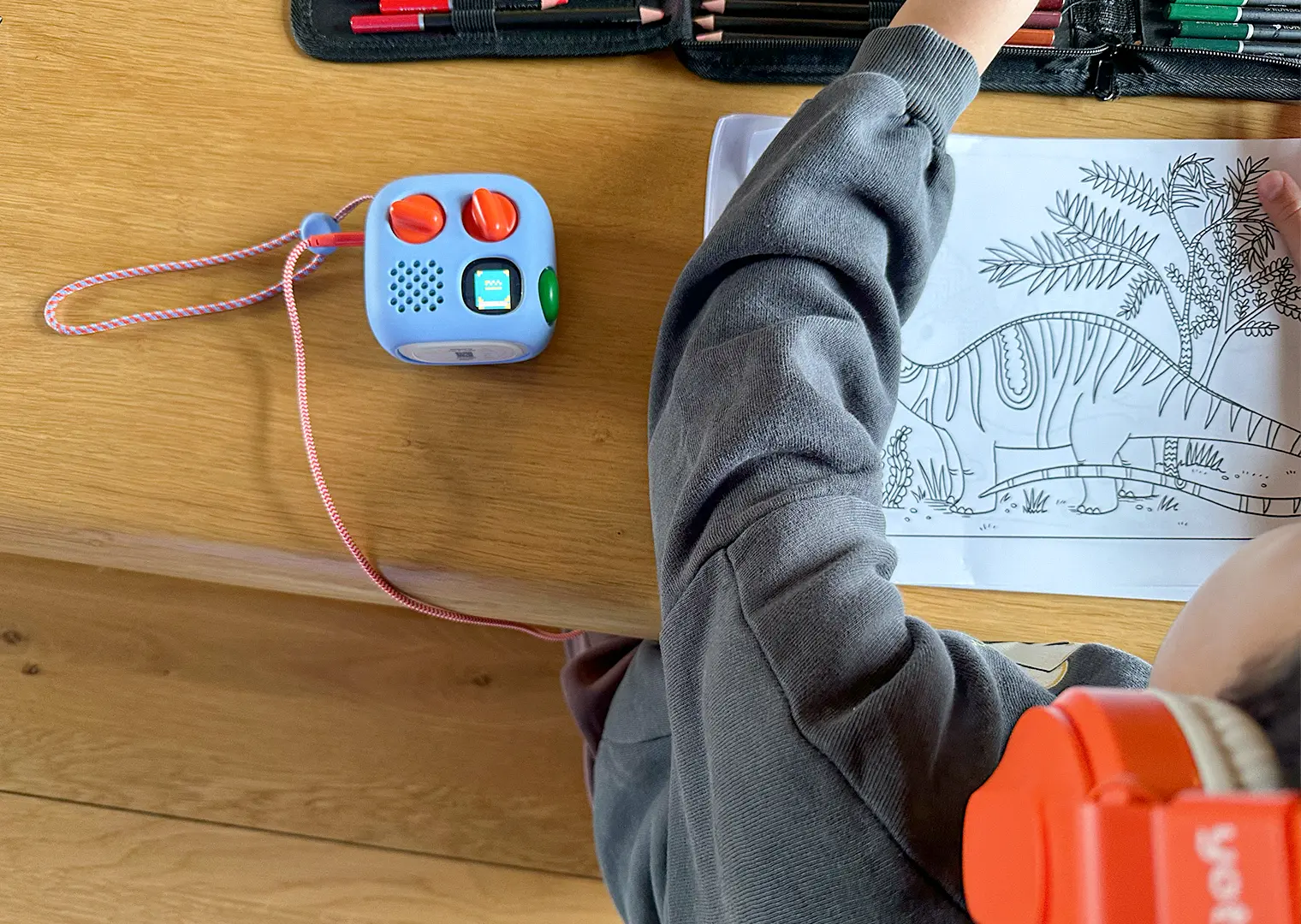
“The green button is a really good idea; it gives so much more choice and control without having to ask for a phone.”
— Mila, Age 10.
Sound, speed and battery
The sound is noticeably better, with a bit more warmth and bass. It’s still a small mono speaker, so don’t expect hi-fi quality, but it’s good for its size. Cards load quickly over Wi-Fi and almost instantly when you select them, and navigation feels faster overall compared to the previous model. Wi-Fi and Bluetooth setup was easy. In our last review, we mentioned headphones connecting to the wrong player when we had two running in the house, and we haven’t had that once this time.
Who it’s for
Our kids are seven and ten, and they’ve used Yoto players for two years, so the green button made sense to them straight away. That’s worth bearing in mind. We did some research and found that parents of younger children have raised concerns that a button holding 20 titles makes it easy to scroll endlessly between each title, and that it takes away some of the deliberate, slow choice that comes with swapping a card. That’s a fair point, and not something we could test with children their age.
We do think the trade-off is real; part of Yoto’s charm is the ritual of choosing a card; however, you can still use it with the cards if you wish. For us, the button doesn’t replace the cards; it fills the gaps: the days when we’d lost a card are over, or a long journey with no cards is now possible. If your children are younger, you choose what goes on it so you’ve still got control through the app.
One more thing to know before you buy. Some features, like BBC Sounds and choose-your-own-adventure titles, aren’t yet working on 4th Gen players at the time of writing this review. Yoto says it’s working on it, but if your children love those, check first.
Our Final Thoughts
At £89.99, it’s £25 more than the previous Mini was in 2024. That’s a real jump, but I think the extra build quality, better sound and faster response justify it. The green button makes the biggest difference.
If you already have the 2024 Mini, there’s no need to stop using it. But if your children use theirs every day and are already used to Yoto, the new one is worth considering, especially for travelling without a bag of cards. We couldn’t find much to criticise after a week, though we’ll need longer to judge how it holds up.
Yoto supplied the fourth-generation Mini for this review. All opinions are our own, based on a week with the new player and two years with the previous generation.
- What We Like: The build quality is a big improvement over the last model. Yoto also seem to have resolved the intermittent Bluetooth issues we saw with the last player when using headphones. Finally, the introduction of the green button and its new function is, in our opinion, a huge advantage. It’s been great for ages 7 and 10 alike, and the kids have had no issues picking up the functions.
- What to Consider: Tricky this one as it’s the same as last time… the cards are roughly the same cost as an Audible book, but you’re buying an experience and memory for your child, which is worth the extra cost. The green button is brilliant, but for very younger kid it would just mean teaching them not to switch between items too often. Luckily, the player doesn’t change on scroll, it needs an extra press of the same green button to activate the content.
Finally, where to buy? We got ours directly from Yoto, which was a great choice as their customer service has been brilliant. The players are often on sale in various stores online, but we cannot rate Yoto highly enough.